How to Use ChatGPT to Save 10 Hours a Week
Feeling overwhelmed? This guide reveals 10 practical ChatGPT workflows to automate tasks and reclaim over 10 hours every week. From email triage to coding help, learn the prompts that transform your productivity instantly.

Tired of drowning in busywork? What if you could reclaim a full workday every single week?
The modern workday is a battle against the clock. Between an overflowing inbox, back-to-back meetings, and a mountain of administrative tasks, true deep work often feels like a distant dream. But what if you had a brilliant, tireless assistant working 24/7 to handle the repetitive, time-consuming parts of your job? That's the power of ChatGPT.
This isn't just about generating funny poems or planning a vacation. When leveraged correctly, ChatGPT is a productivity powerhouse that can fundamentally change how you work. A McKinsey report on generative AI estimates it could automate tasks that take up 60 to 70 percent of employees' time. The future of work is here, and it involves collaborating with AI.
In this comprehensive guide, we'll move beyond the hype and give you 10 specific, actionable workflows with copy-pasteable prompts to help you save 10, 15, or even 20 hours every single week. Whether you're a marketer, developer, project manager, or entrepreneur, these ChatGPT productivity tips will help you work smarter, not harder. Let's start reclaiming your time.
Ready to transform your workflow? Dive into the best AI tools and insights on AItoolio and discover a new level of efficiency.
1. Master Your Inbox with Email Triage & Drafting
The average professional spends over 28% of their workweek on email. That’s more than 11 hours a week! ChatGPT can slash that time in half.
The Problem: Your inbox is a cluttered mix of urgent requests, long-winded updates, and spam. Manually sorting, reading, and replying costs you hours of focus.
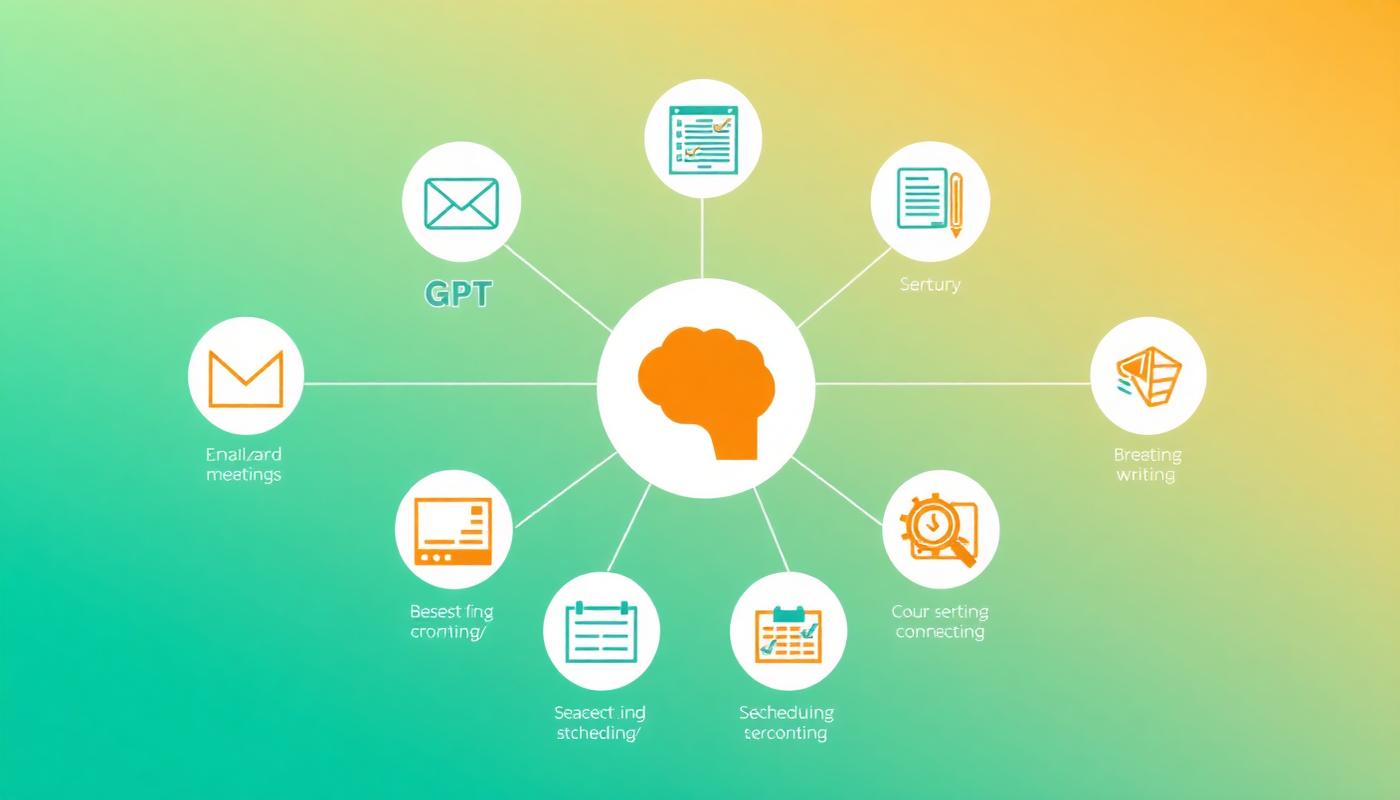
The ChatGPT Solution: Use it as an intelligent filter and a master wordsmith. It can summarize complex threads, identify action items, and draft articulate, context-aware replies in seconds.
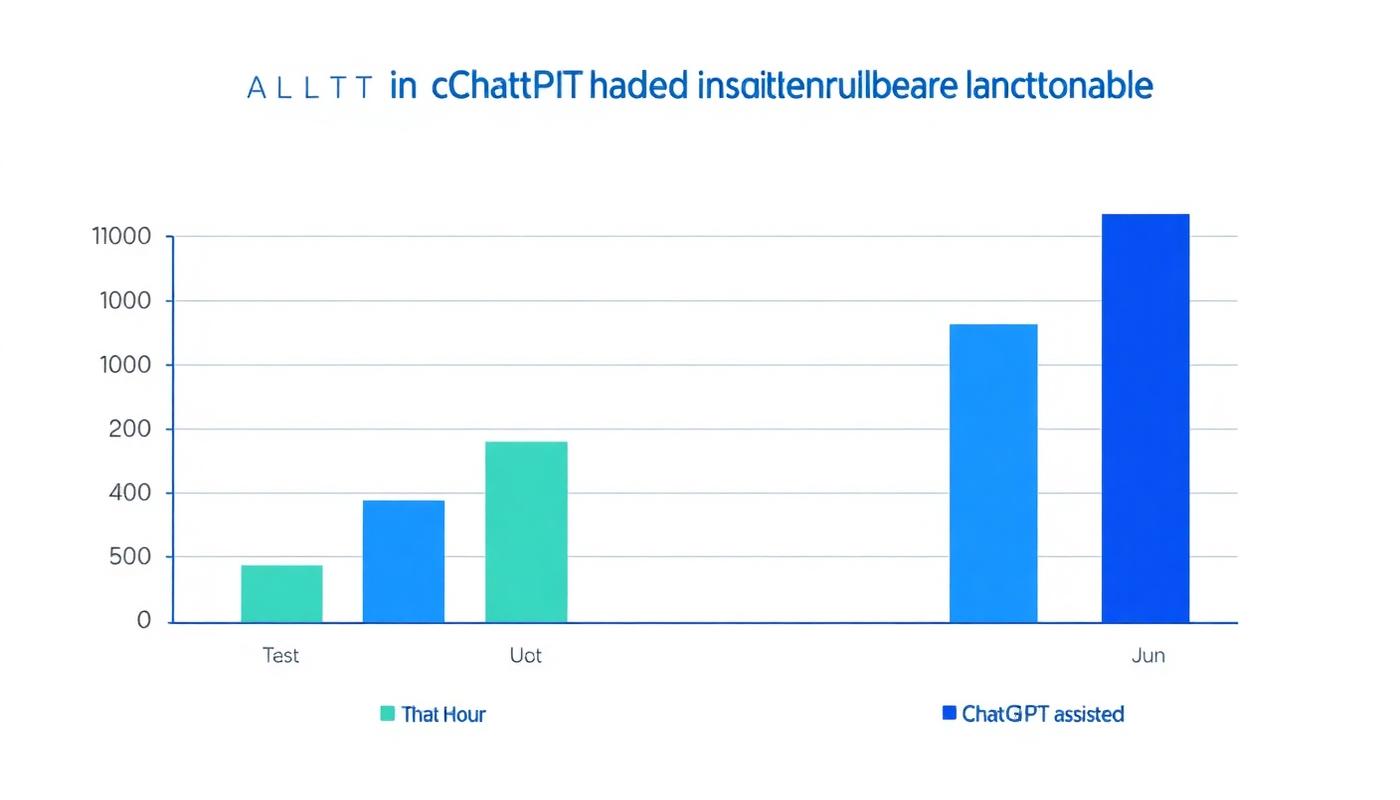
- Manual Method: 2.5 hours/day reading and replying.
- ChatGPT-Assisted Method: 1 hour/day for review and sending.
- Time Saved: Up to 7.5 hours per week.
How to Do It: Summarize and Draft
To summarize a long thread, simply copy the entire conversation and paste it into ChatGPT.
Prompt Template: Summarize Email Thread
Act as my executive assistant. I'm providing you with a long email thread below. Please do the following:
1.  Provide a 3-sentence summary of the main topic and outcome.
2.  List all explicit action items assigned to me (my name is [Your Name]).
3.  List any key decisions that were made.
4.  Identify any unanswered questions that I need to address.

[Paste email thread here]
To draft a reply, give ChatGPT the context and your desired tone.
Prompt Template: Draft a Professional Reply
Act as a [Your Job Title] with a [brief/professional/friendly] tone. Draft an email reply based on the original email below and my instructions.

Original Email:
"[Paste original email here]"

My Instructions:
- Thank them for the update.
- Agree to their proposed deadline of [Date].
- Let them know I will handle action item [X] and delegate action item [Y] to my colleague, [Colleague's Name].
- Ask for clarification on [specific point].
2. Automate Meeting Summaries & Action Items
Meetings are essential, but the administrative overhead is a productivity killer. Manually typing notes, deciphering your handwriting, and creating follow-ups is tedious.
The Problem: You spend 30 minutes after every hour-long meeting cleaning up notes and sending out summaries. For managers, this can be hours each week.
The ChatGPT Solution: Use a transcription service (like Otter.ai or a function in Teams/Zoom) and feed the raw text into ChatGPT. It will produce a perfect summary, a list of action items with owners, and even a draft follow-up email.
- Manual Method: 30 minutes of post-meeting admin per meeting.
- ChatGPT-Assisted Method: 5 minutes to paste, prompt, and review.
- Time Saved: 1.5 - 2 hours per week (for 4-5 meetings).
Prompt Template: Meeting Transcript to Action
Analyze the following meeting transcript. My name is [Your Name]. Please provide the following in a clean, formatted output:

1.  **Executive Summary:** A one-paragraph overview of the meeting's purpose and key conclusions.
2.  **Key Decisions:** A bulleted list of all major decisions made.
3.  **Action Items:** A table with three columns: 'Action Item', 'Assigned To', and 'Deadline' (if mentioned).
4.  **Follow-up Email Draft:** A draft email to all attendees summarizing the above points and confirming next steps.

Transcript:
"[Paste full meeting transcript here]"
Explore our curated list of the top AI meeting notes tools to fully automate this process.
3. Accelerate Research & Information Synthesis
Whether you're preparing a report, analyzing a competitor, or learning a new topic, research is time-consuming. You can spend hours just sifting through articles to find the key information.
The Problem: Reading dense reports, academic papers, and long articles takes significant time and mental energy.
The ChatGPT Solution: Use it as a research assistant. Ask it to summarize web pages, extract key data points from text, or explain complex concepts in simple terms.
- Manual Method: 4-5 hours per week on research and analysis.
- ChatGPT-Assisted Method: 2 hours per week.
- Time Saved: 2-3 hours per week.
Prompt Template: Summarize and Extract from a Link or Text
I am a [Your Role] preparing a report on [Topic]. Please analyze the content from the following article/text and provide:
1.  The five most important key takeaways in a bulleted list.
2.  Any specific statistics, dates, or percentages mentioned.
3.  A one-paragraph summary written in simple, easy-to-understand language.

Source:
"[Paste URL or entire block of text here]"
As noted in a Harvard Business Review article, this ability to synthesize information is one of AI's most powerful applications in the workplace.
4. Supercharge Content Creation & Writing Tasks
Writer's block is a notorious time-waster. Staring at a blank page is intimidating, whether you're writing a blog post, social media updates, or a project proposal.
The Problem: The initial drafting phase of any content is often the slowest and most difficult part.
The ChatGPT Solution: Never start from a blank page again. Use ChatGPT as a brainstorming partner and a first-draft generator. It excels at creating outlines, drafting social media copy, writing video scripts, and more.
- Manual Method: 5 hours a week brainstorming and drafting content.
- ChatGPT-Assisted Method: 2 hours a week refining AI-generated drafts.
- Time Saved: 3 hours per week.
Prompt Template: Create a Blog Post Outline
Act as an expert SEO content strategist. Create a comprehensive blog post outline for the title "[Your Blog Post Title]". The target audience is [describe your audience].

Include the following:
- A compelling introduction hook.
- H2 and H3 headings for all major sections.
- Bullet points under each heading with key topics to cover.
- A concluding summary and a call to action.
- A list of 5 relevant keywords to include.
To truly maximize your output, check out our guide to the best AI productivity tools of 2026.

5. Coding & Debugging Faster Than Ever
For developers and technical professionals, ChatGPT is like having a senior developer on call 24/7. It can write boilerplate code, explain complex algorithms, translate code between languages, and find bugs in your work.
The Problem: Getting stuck on a syntax error, writing repetitive code, or trying to understand a legacy codebase can halt progress for hours.
The ChatGPT Solution: Paste your code snippet and ask for help. It can provide explanations, suggest fixes, and even refactor your code for better performance.
- Manual Method: 1-2 hours per day on debugging and writing boilerplate.
- ChatGPT-Assisted Method: 30 minutes per day.
- Time Saved: 5-7.5 hours per week.
Prompt Template: Debug My Code
Act as an expert [Programming Language] developer. I'm getting the following error: "[Paste error message here]".

Here is my code:
```[language]
[Paste your code snippet here]
Please:
- Identify the bug in my code.
- Explain why the bug is occurring.
- Provide the corrected code snippet.
## 6. Streamline Scheduling & Project Planning

Coordinating schedules, especially across time zones, is a classic time sink. The endless email chains of "Does Tuesday at 2 PM work for you?" are inefficient.

**The Problem:** The administrative back-and-forth of planning meetings and creating project timelines is tedious and manual.

**The ChatGPT Solution:** Use ChatGPT to handle the logistics. It can draft scheduling emails with clear options, convert natural language into project plans, and create GANTT chart data.

*   **Manual Method:** 20 minutes a day on scheduling and planning tasks.
*   **ChatGPT-Assisted Method:** 5 minutes a day.
*   **Time Saved: ~1.5 hours per week.**

**Prompt Template: Create a Project Plan**
Create a detailed project plan for launching a new company blog. The project starts on [Start Date] and the target launch date is [End Date].
Key phases should include: Strategy & Planning, Platform Setup, Content Creation (4 initial posts), and Launch Promotion.
Break this down into a table with columns: 'Task', 'Owner', 'Start Date', 'End Date', and 'Dependencies'. Assign 'Marketing Team' as the owner for most tasks.
## 7. Become an Idea Generation Machine

Creativity isn't always on-demand. When you need a new marketing angle, a name for a product, or a solution to a tricky business problem, an outside perspective is invaluable.

**The Problem:** Creative ruts and a lack of diverse perspectives can slow down innovation.

**The ChatGPT Solution:** Use ChatGPT as your infinite brainstorming partner. It can offer ideas from different angles and personas, breaking you out of your usual thinking patterns.

*   **Manual Method:** Long, often unproductive solo brainstorming sessions.
*   **ChatGPT-Assisted Method:** Rapid, interactive sessions that generate dozens of ideas in minutes.
*   **Time Saved: 1-2 hours per week.**

**Prompt Template: Brainstorm Marketing Angles**
Act as a panel of three expert marketers: one specializing in viral social media, one in direct response copywriting, and one in brand storytelling.
Brainstorm 10 unique marketing campaign ideas for our new product: a smart coffee mug that keeps coffee at the perfect temperature for 3 hours.
Present the ideas in a table with columns for 'Campaign Idea', 'Target Audience', and 'Primary Channel'.
> "ChatGPT isn't about replacing humans; it's about augmenting human intelligence to eliminate tedious work and free up cognitive space for what truly matters: strategy, creativity, and connection." – Dr. Elena Vance, AI Productivity Analyst.

## 8. Effortless Data Cleaning & Formatting

If you work with spreadsheets, you know the pain of messy data. Inconsistent formatting, extra spaces, and mixed data types can take hours to clean up manually.

**The Problem:** Manually correcting hundreds or thousands of rows in Excel or Google Sheets is mind-numbing and error-prone.

**The ChatGPT Solution:** Describe your problem and ask for the solution. ChatGPT can provide the exact Excel/Google Sheets formula or even a Python script to automate the cleaning process.

*   **Manual Method:** 1.5 hours per week on data cleanup.
*   **ChatGPT-Assisted Method:** 15 minutes to generate and apply a formula/script.
*   **Time Saved: ~1.25 hours per week.**

**Prompt Template: I need an Excel Formula**
I have data in Column A of an Excel sheet. The format is a mix of "LAST, FIRST" and "FIRST LAST". I want to convert all of it to "FIRST LAST" in Column B.
Example Data in A1: "Smith, John" Example Data in A2: "Jane Doe"
What formula should I use in cell B1 and drag down to accomplish this?
## 9. Personalized Learning & Rapid Skill Acquisition

The half-life of skills is shrinking. Continuous learning is essential for career growth, but finding the time is hard. These **ChatGPT tips for 2026** and beyond are about future-proofing your career.

**The Problem:** Traditional learning methods (courses, books) can be time-consuming and may not be tailored to your specific needs.

**The ChatGPT Solution:** Make [OpenAI's ChatGPT](https://openai.com/chatgpt) your personal tutor. Ask it to create a custom learning plan, explain complex topics using analogies you understand, and quiz you on your knowledge.

*   **Manual Method:** 5 hours to learn a new concept via articles and videos.
*   **ChatGPT-Assisted Method:** 2-3 hours of targeted, interactive learning.
*   **Time Saved: 2 hours per week.**

**Prompt Template: Create a Learning Plan**
Act as an expert instructional designer. Create a 7-day learning plan for me to understand the fundamentals of digital marketing. I am a complete beginner.
For each day, provide:
- The main topic to focus on (e.g., SEO, SEM, Content Marketing).
- 3-5 key concepts to learn for that topic.
- A simple, practical exercise I can do to apply the knowledge.
## 10. Build Simple Automations with No-Code Guidance

Many of your repetitive digital tasks—like saving email attachments to Dropbox or posting social media updates—can be automated. Tools like Zapier and Make are powerful but can have a learning curve.

**The Problem:** You know a task could be automated, but you don't know how to write the script or configure the automation tool.

**The ChatGPT Solution:** Describe the workflow you want to create, and ask ChatGPT to provide step-by-step instructions or even the specific code snippet (e.g., for a Javascript step in Zapier) needed to make it happen.

*   **Manual Method:** 2-3 hours of trial and error to build an automation.
*   **ChatGPT-Assisted Method:** 30 minutes with guided instructions.
*   **Time Saved: 1-2 hours per automation built (plus ongoing time savings).**

**Prompt Template: Zapier Workflow Help**
I want to create a Zapier automation. The trigger is 'New Labeled Email in Gmail' (label: "Invoice"). The action is 'Upload File in Google Drive'.
However, I only want to upload the PDF attachment, not the email body. And I want to rename the file to "[Sender's Name] - [Date] - Invoice.pdf".
Can you guide me through the steps and tell me if I need a multi-step Zap with a Formatter or Code step to achieve the renaming?
Discover more ways to automate your life by exploring our guides on [automation agents](/category/automation-agents).
## Key Takeaways
By integrating ChatGPT into your daily routine, you can transform your productivity. Here’s a summary of how to **save time with ChatGPT**:
* **Automate Communication:** Use ChatGPT to summarize emails and meetings, draft replies, and create follow-ups, saving you hours of administrative work.
* **Accelerate Creation:** Never start from a blank page. Generate outlines, first drafts, and brainstorm ideas for everything from blog posts to marketing campaigns.
* **Solve Technical Problems:** Get instant help with debugging code, writing spreadsheet formulas, and understanding complex technical topics.
* **Become a Lifelong Learner:** Create personalized learning plans and use ChatGPT as an interactive tutor to acquire new skills faster.
* **The Prompt is Everything:** The quality of your output depends entirely on the quality of your input. Be specific, provide context, and assign a persona for the best results.
## Frequently Asked Questions (FAQ)
### Is using ChatGPT for work and confidential data safe?
It's crucial to be cautious. Do not paste sensitive customer data, proprietary code, or confidential company information into public versions of ChatGPT. Your company may have specific policies, and paid versions like ChatGPT Team or Enterprise offer greater privacy controls. Always anonymize data when possible.
### What's the real difference between the free and paid (Plus/Team) versions?
Generally, paid versions (like ChatGPT Plus) give you access to more advanced models (e.g., GPT-4), which are more capable, creative, and nuanced. They also offer faster response times, priority access during peak hours, and advanced features like web browsing, data analysis, and image generation, which significantly enhance the workflows discussed here.
### Can ChatGPT actually replace my job?
It's more likely to change your job than replace it. ChatGPT excels at automating repetitive, predictable tasks. This frees up human workers to focus on high-value activities that require critical thinking, strategy, emotional intelligence, and complex problem-solving. Learning to use AI is becoming a critical skill, making you more valuable, not less.
### How do I write a good ChatGPT prompt?
Writing effective **ChatGPT prompts for work** is a skill. The best prompts follow the C.R.O.S. framework: **C**ontext (provide background info), **R**ole (tell it who to act as), **O**bjective (state the goal clearly), and **S**pecifics (define the desired format, tone, and constraints).
## Conclusion: Your New Productivity Superpower
We've demonstrated how you can realistically save over 10 hours a week by strategically applying ChatGPT to your most time-consuming tasks. This isn't a futuristic fantasy; it's a practical reality available to you right now. By embracing AI as a collaborative partner, you can move from being an operator bogged down by busywork to a strategist focused on high-impact results.
The key is to start small. Pick one workflow from this list—like email summarizing—and integrate it into your routine this week. As you build confidence, you'll discover even more ways to leverage this powerful technology.
**Ready to explore the universe of AI tools that can revolutionize your work? [Visit AItoolio today](/) to find the perfect solutions to boost your productivity and stay ahead of the curve.**
#ChatGPT #Productivity #AI #WorkSmarter #TimeManagement #ChatGPTips #FutureOfWork #AItoolio #Automation
---
#ChatGPT #Productivity #AI #WorkSmarter #TimeManagement #ChatGPTips #FutureOfWork #AItoolio #Automation
A team of product managers, engineers, and marketers who test AI productivity tools in real workflows. Articles labeled "AI-assisted" are drafted with AI and then edited, fact-checked, and reviewed by a human editor. For corrections or updates, please contact us.
Keep reading

ChatGPT Scheduled Page: The Ultimate Hub for AI Automation in 2026
OpenAI has officially launched the ChatGPT Scheduled page, a central command center for recurring AI tasks and agent workflows. Here is how it changes productivity forever.

AI Meeting Note-Takers Compared: Fathom vs Otter vs Granola vs Fireflies
We ran the same 10 meetings through every major AI note-taker. Here is what each one is best at, what it gets wrong, and which one to pick.